- Strona główna
-
Nasza wspólnota
- Archdiocese of Toronto
- Catholic Cemeteries
- Wolontariat
- Dostępność
- Polityka bezpiecznego środowiska
- Nasza wiara
-
Życie parafialne
- Living Your Faith
- Stewardship
- Ways to Support the Parish
- Family Life Ministry
- Alpha
- Music Ministries
- Kalendarz wydarzeń
- Parish Calendar of Events
- Archiwum wiadomości
- Pastoral References
- Mass Cards
- myParish App
- FORMED
- OLS Social Justice - Thanksgiving Food Drive
- Five Types of Prayers
- ListenWiFi Hearing Assist System
- Sacramental Celebrations
- Biuletyn
- Skontaktuj się z nami
- Wyszukaj

ListenWiFi Hearing Assist System
Our Lady of Sorrows Catholic Church is pleased to introduce a new Listen WiFi Hearing Assist System, designed to make the Mass more accessible for everyone. This system allows parishioners to hear clearly and comfortably—Conveniently set up to be primarily used with your own device connected to headphones, earbuds, or compatible hearing aids. The ListenWiFi system streams high-quality audio from the church’s sound system directly to your device using WiFi.
Option 1: Bring Your Own Device (Recommended)
Use your smartphone with the ListenWiFi app to receive crystal-clear audio.
Bonus Feature: Live Captions. Many smartphones can convert audio to live text captions, making it easier to follow along with readings and homilies.
USER GUIDE: Using Your Own Device
Step 1: Download the App
• Search for “Listen WiFi” in:
- Apple App Store (iPhone)
- Google Play Store (Android)
• Install and open the app.
OR
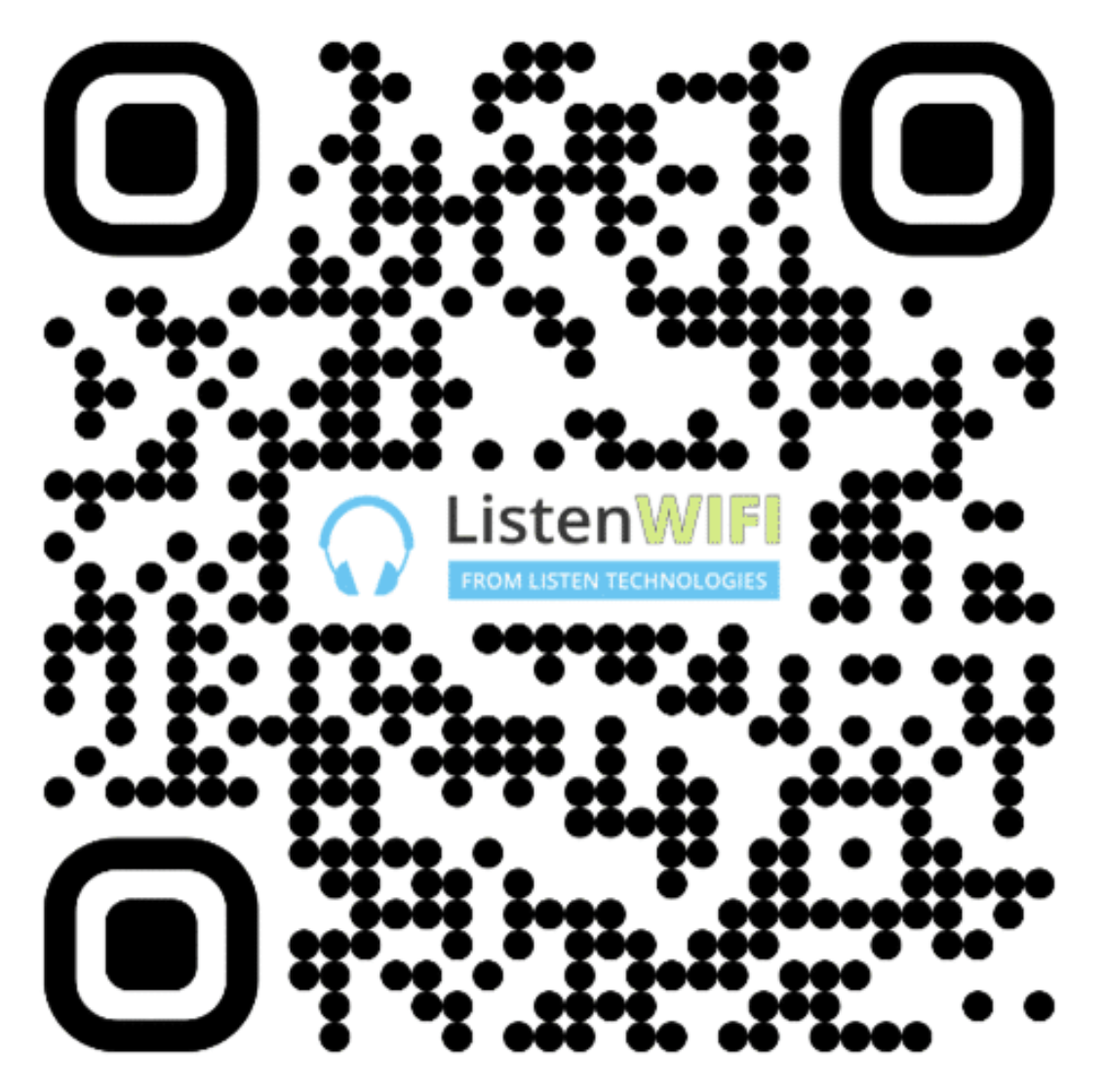
• Scan the QR code below:
Step 2: Connect to WiFi (only works while at church)
• Open your phone’s WiFi settings
• Select: OLSListen
• Enter password: olslisten
Step 3: Start Listening (only works while at church)
• Open the Listen WiFi app
• Select the available audio channel
• Plug in headphones or use hearing aids (if compatible)
Step 4 (Optional): Enable Live Captions
Depending on your phone:
• iPhone: Go to Settings → Accessibility → Live Captions (if available)
• Android: Use Live Transcribe or built-in Live Caption
Option 2: Borrow a receiver from the church
We will offer a limited number of Listen WiFi receivers with earpieces (up to 4 per Mass).
Sign up:
Visit the Ministers of Hospitality at the back of the church.
What You Need:
• Provide a valid piece of ID (held temporarily)
What You’ll Receive:
• Listen WiFi receiver
• Earpiece
• Instructions on how to use the technology